🗺 Welcome to Cheats Platform
This is an internal DevOps & Sysadmin knowledge base designed for instant access to technical cheatsheets.
🚀 Platform Highlights
- Lightning fast: Instant loading, no heavy frameworks.
- Searchable: Use the global search in the sidebar or press
Ctrl + Fto find what you need. - Copy-ready: Hover over any code block and click
Copyto grab commands instantly. - Collapsible: Manage large numbers of cheatsheets by collapsing categories.
📒 Powered by DevToolbox Cheats
[!IMPORTANT] Batteries Included! This platform is powered by the
devtoolbox-cheatsopen-source project, containing a comprehensive collection of over 100+ production-ready cheatsheets for sysadmins, DevOps, and developers.
✨ Features
🌍 Universal Desktop Support
- GNOME - Native Argos panel menu with dropdown
- KDE Plasma 5/6 - Native widget with full UI
- XFCE / MATE / Cinnamon / LXQt / Deepin - Dialog-based menus (zenity/yad)
- Tiling WMs - Terminal-based with FZF (i3, sway, bspwm, hyprland)
🚀 Performance
- Instant Loading - Smart caching loads 100+ cheats in <100ms
- Auto Cache Invalidation - Rebuilds only when files change
🎯 Core Capabilities
- Live Search - Filter cheats as you type
- Copy to Clipboard - One-click copy
- Open in Editor - Automatically detects 16+ popular editors to open your cheatsheets
📸 Example Screenshots
GNOME (Argos Extension)
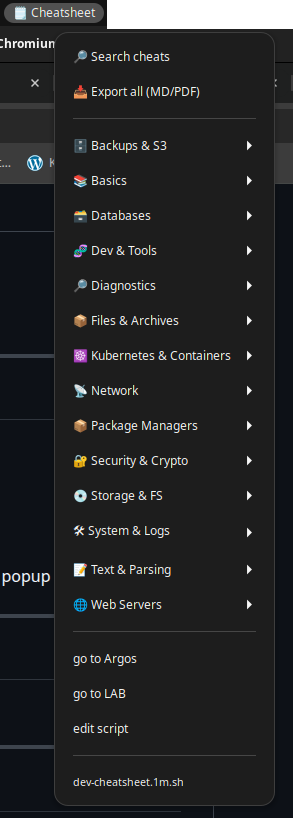
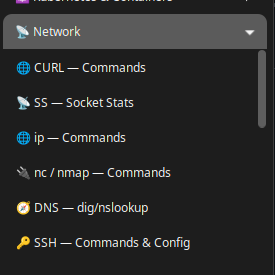
KDE Plasma 5/6 (Native Widget)
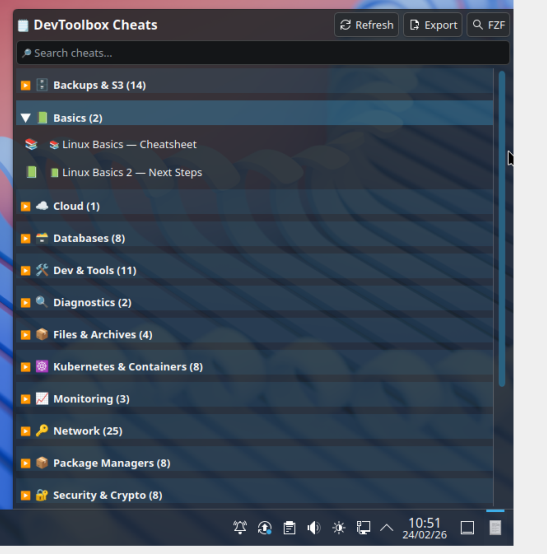
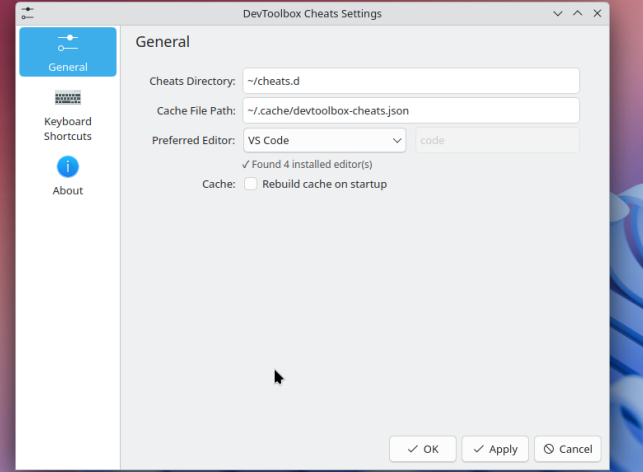
Universal Dialog Menu (Zenity/Yad)
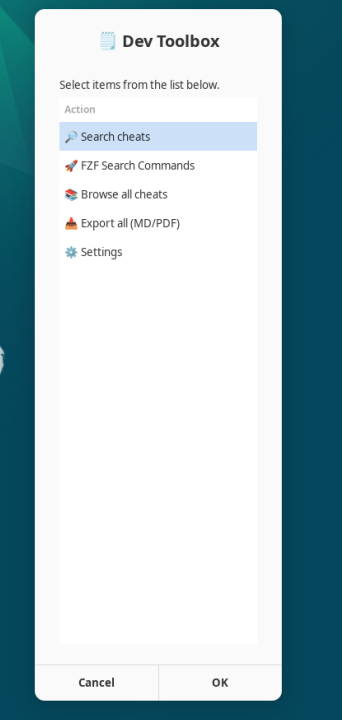
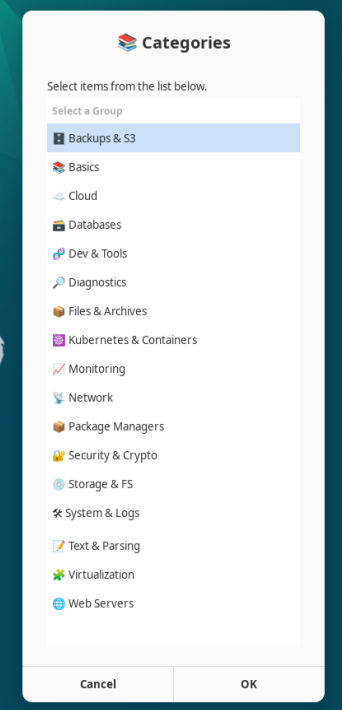
📦 How to Install Locally
It is highly recommended to install the repository locally on your PC to ensure you always have access to these cheatsheets, even completely offline. You can also run the Desktop widgets locally to access cheats straight from your system panel!
1. Clone the repository:
git clone https://github.com/dominatos/devtoolbox-cheats.git
cd devtoolbox-cheats
./install.sh
2. Follow the specific instructions for your Desktop Environment on our GitHub page: 👉 View the full installation guide on GitHub
Select a category from the 🗂 Categories sidebar on the left to begin exploring.